
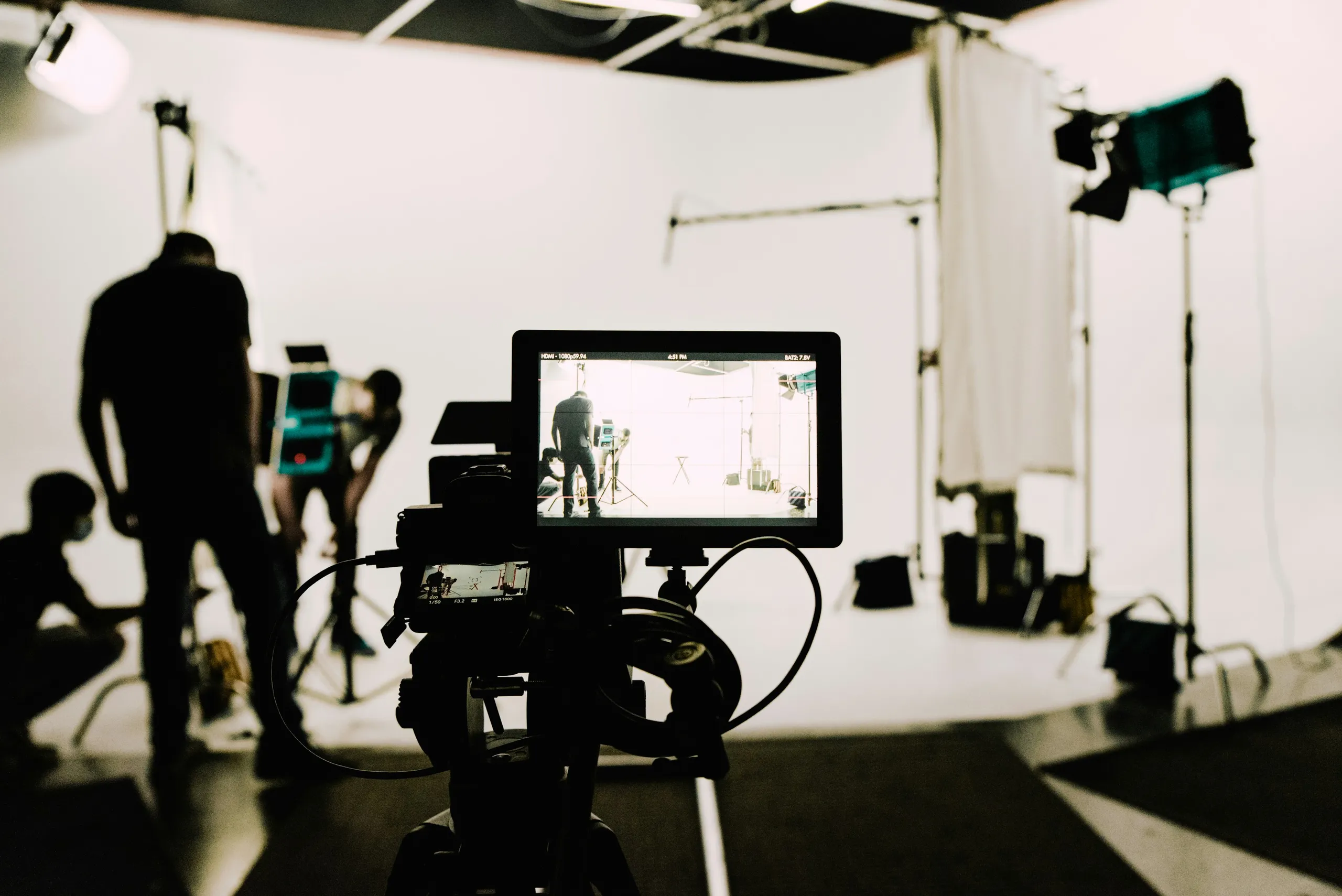
Video is the format customers watch most, and traditionally one of the most expensive to produce. Every version needs a presenter, a shoot, an edit — and a new language or a changed price can mean doing much of it again. AI video tools have changed that equation. Presenters, voice-overs, translations, and visuals can now be generated in a fraction of the time.
Used well, AI video lets a business produce far more content, in more languages, at a much lower cost per video. Used carelessly, it produces stiff, uncanny clips that cheapen a brand. This guide covers where AI video fits, where real footage is still the better choice, and how to produce AI video that is responsible and actually good.
What AI video production covers
- AI presenters — realistic digital presenters who deliver a script on camera.
- AI voice-overs — natural-sounding narration generated from text.
- Dubbing and translation — the same video re-voiced in another language, sometimes with matched lip movement.
- Generated visuals — scenes, backgrounds, and b-roll created from text descriptions.
- AI-assisted editing — automatic captions, reframing for vertical formats, and clean-up.
Where AI video works well
| Use | Why AI helps |
|---|---|
| Explainer and how-to videos | Scripts change often; a new version needs no re-shoot |
| Training and onboarding | Consistent delivery across many modules and languages |
| Product updates and announcements | Fast turnaround when timing matters |
| Multilingual campaigns | One video adapted for English, Urdu, Arabic, and more |
| Ad variations for testing | Many hooks and versions produced quickly |
Where real footage still wins
Some things AI cannot honestly replace:
- Customer testimonials — they only persuade because they are real people.
- Founder and team stories, where authenticity is the whole point.
- Showing the real product, premises, or results — generated visuals of these can mislead.
- Events, behind-the-scenes, and anything documenting what actually happened.
A practical approach is often a mix: real footage for proof and personality, AI for the explainers, versions, and translations around it.
AI presenters, voices, and dubbing
AI presenters work best for clear, informative delivery — a calm explanation rather than an emotional performance. Choose a presenter and voice that suit your audience, and keep using them so they become recognisable as part of the brand.
Dubbing is where AI often delivers the most value. A video recorded once can be adapted for several languages, letting a business in Pakistan speak to customers in Urdu and English, or to Gulf markets in Arabic, without separate shoots. Translations still need a fluent speaker to review them — machine translation can miss tone, idiom, and technical terms.
A production process that holds up
- Brief — the goal, the audience, the platform, and the single message.
- Script — written for speech, short sentences, with a hook in the opening seconds.
- Voice and presenter — chosen to match the brand, and kept consistent.
- Generation — presenter, voice, and visuals produced and assembled.
- Edit — pacing, captions, branding, music, and formats for each platform.
- Human review — every frame and every word checked before anything is published.
Consent, rights, and disclosure
AI video raises questions that traditional production never did. Handle them up front:
- Never clone a real person's face or voice without their clear, written permission.
- Check the licence terms of every AI tool, presenter, voice, and music track for commercial use.
- Do not generate visuals that misrepresent your actual product, premises, or results.
- Follow each platform's disclosure rules — YouTube, for example, asks creators to disclose realistic altered or synthetic content.
- Be open with your audience when a presenter is AI-generated, rather than letting them assume otherwise.
Keeping quality high
The difference between AI video that works and AI video that feels cheap is almost always in the craft around it. A strong script, natural pacing, careful pronunciation of names and terms, good captions, real brand assets, and a human editor who catches anything that looks or sounds off — those are what make AI video watchable.
Mistakes worth avoiding
- Publishing generated output without a careful human review.
- Using AI where real proof and real people would persuade far better.
- Cloning voices or faces without permission.
- Relying on machine translation with no fluent speaker checking it.
- Choosing a different presenter and voice for every video, so nothing feels like the brand.
Frequently asked questions
Often, yes — and that is fine for explainers and training when you are open about it. Problems arise when AI is used to imply something real that is not, such as a fake customer or a fake result.
Final thoughts
AI video is a powerful tool for producing more video, in more languages, faster than ever before. Its value depends on the same things that have always made video work — a clear message, a strong script, and careful editing — plus an honest approach to consent and disclosure.
Use AI where it saves time without costing trust, keep real footage for proof and personality, and let a human check everything before it goes out.